Get Pilot on iPhone.
Download Pilot from the App Store and open the app.
 PilotREMOTE FOR MACDownload Pilot App
The trackpad, keyboard, and remote your Mac always needed. Now on your iPhone.
Requires Pilot for iPhone + the Mac helper.
Pair them by scanning a QR code.
 Made for your Mac
From the sofa to the meeting room.
Pick a feature and take a closer look.
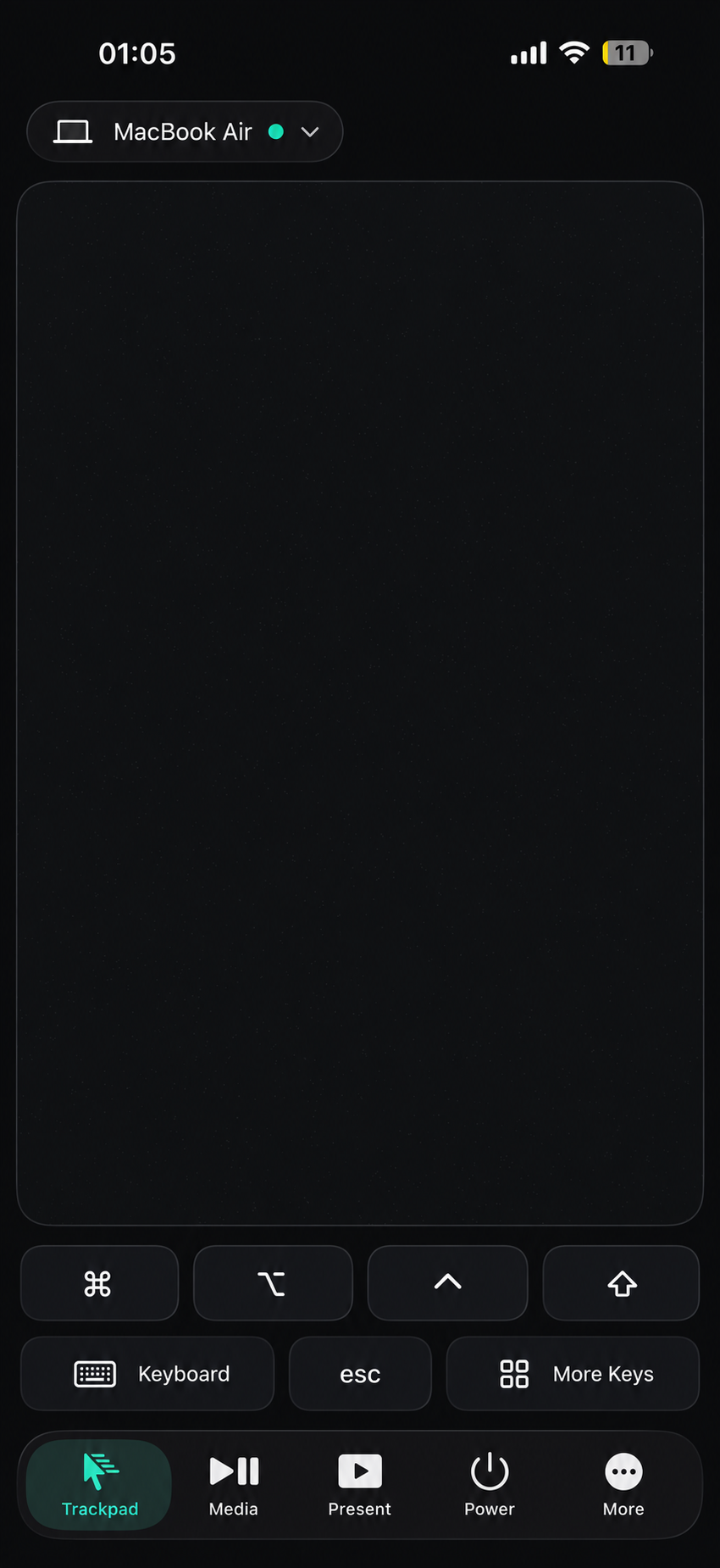
Move around your Mac from your iPhone. Keep keyboard controls and modifier keys close at hand.
Interface previews. Appearance may vary by app version.
The Mac helper is required.
It connects Pilot to your Mac.
Download Pilot from the App Store and open the app.
On your Mac, visit pilotremote.app/helper. Download and open the helper, then follow its permission instructions.
Go to the helper pageUse Pilot on your iPhone to scan the QR code displayed by the Mac helper and complete pairing.
Ready to connect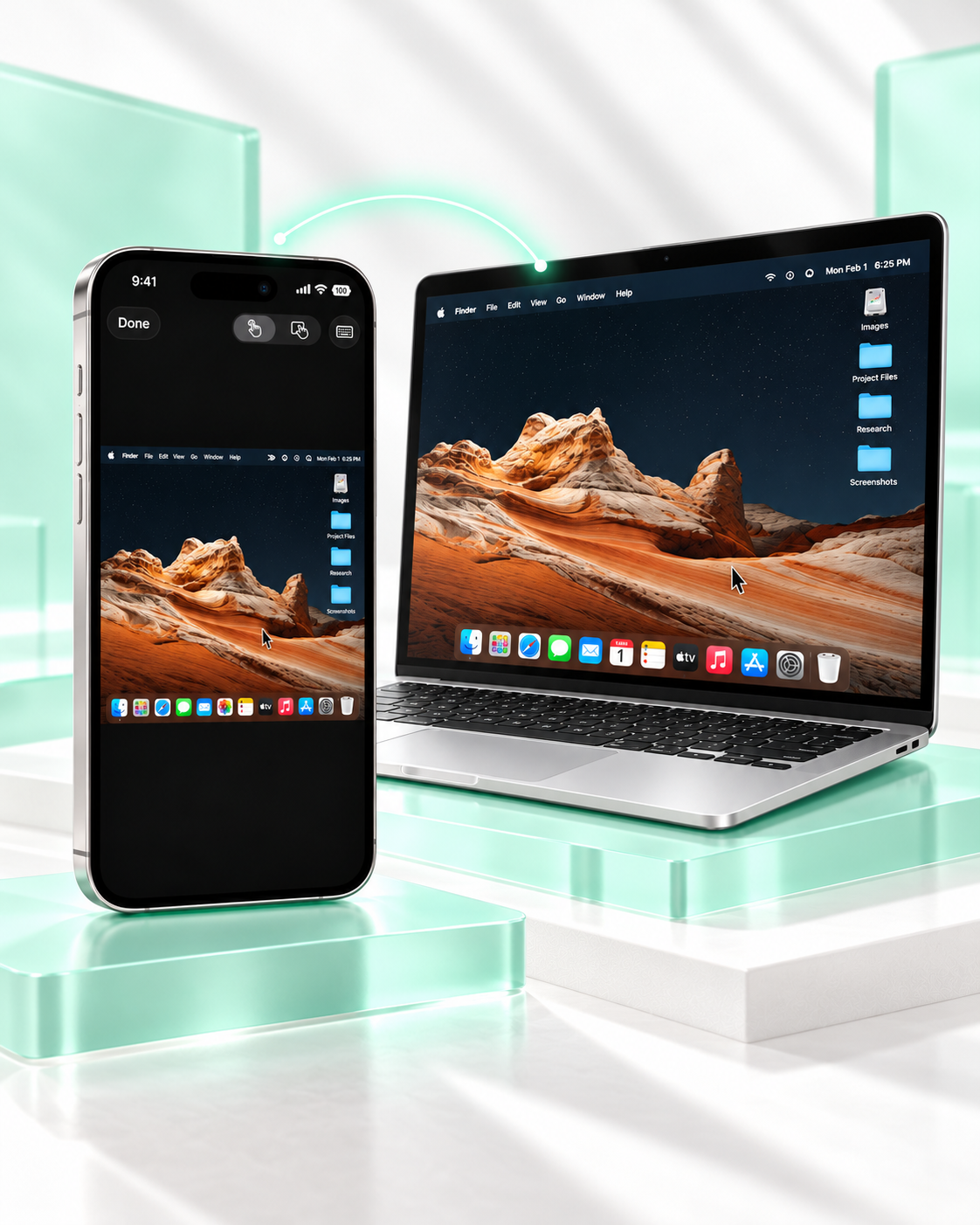
See your Mac while you control it. Screen View brings the desktop into Pilot, with touch modes and a keyboard button within reach.
Explore Screen ViewExplore Pilot, then choose your plan.
Trial eligibility is shown in the app.
A monthly subscription.
Billed annually. About $1.67/month.
A one-time purchase.
Prices shown in USD. Purchases are made in the iPhone app. Local pricing, trial terms, and subscription details are displayed before purchase.
Yes. Pilot needs both the iPhone app and the Mac helper. Install the helper on the Mac you want to control, then pair using its QR code.
Open the Mac helper page on your Mac. In the final setup flow, Pilot directs you to pilotremote.app/helper.
Pilot includes a trackpad, Screen View, keyboard and text sending, media controls, presentation tools, meeting shortcuts, custom panels, power actions, and a sleep timer.
Choose a panel for the app you want to control. Some commands require that app to be focused on your Mac. Available actions depend on the selected app.
A 3-day free trial is available for eligible subscription purchases. The app shows the applicable plan and full terms before you confirm a purchase. Lifetime access is a one-time purchase.
iPhone app + Mac helper. Connected by you.